


Hand off your bugs, testing, or new features.
Kiwari understands your game, and works through scripts, assets, UI, and playtests.
Kiwari
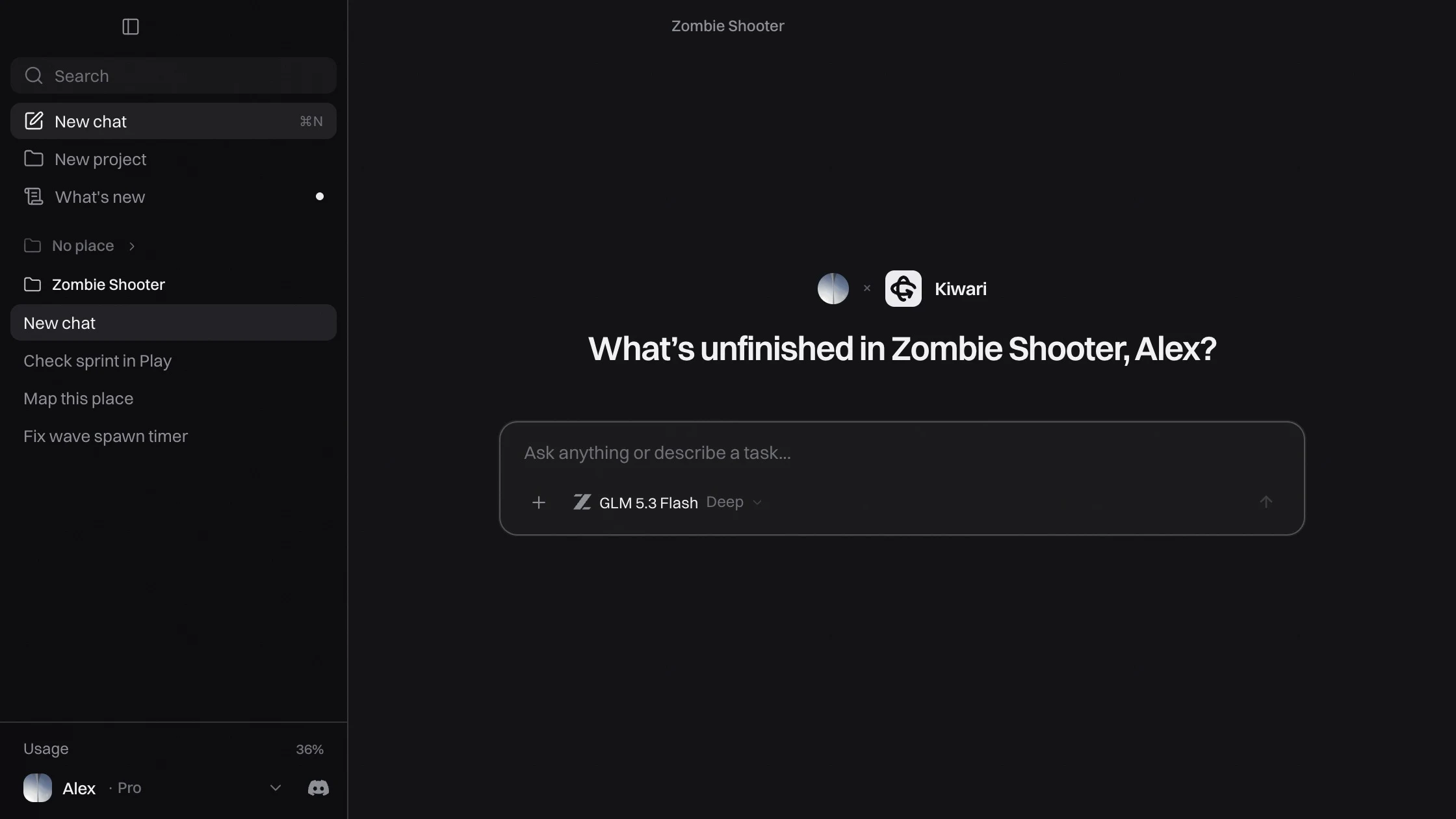
Describe the feature, fix or asset you want. Kiwari works in your open Studio project, with changes you can review and undo.
Free plan, no card needed.
The best way to
games
with AI in Roblox Studio.
Kiwari understands your game, and works through scripts, assets, UI, and playtests.
For complex tasks, Kiwari asks clarifying questions, builds a plan, then executes in the background.
Subagents run in parallel to explore your codebase, review, script, or build.
Pick the model that fits the task, from fast and free to the most capable.
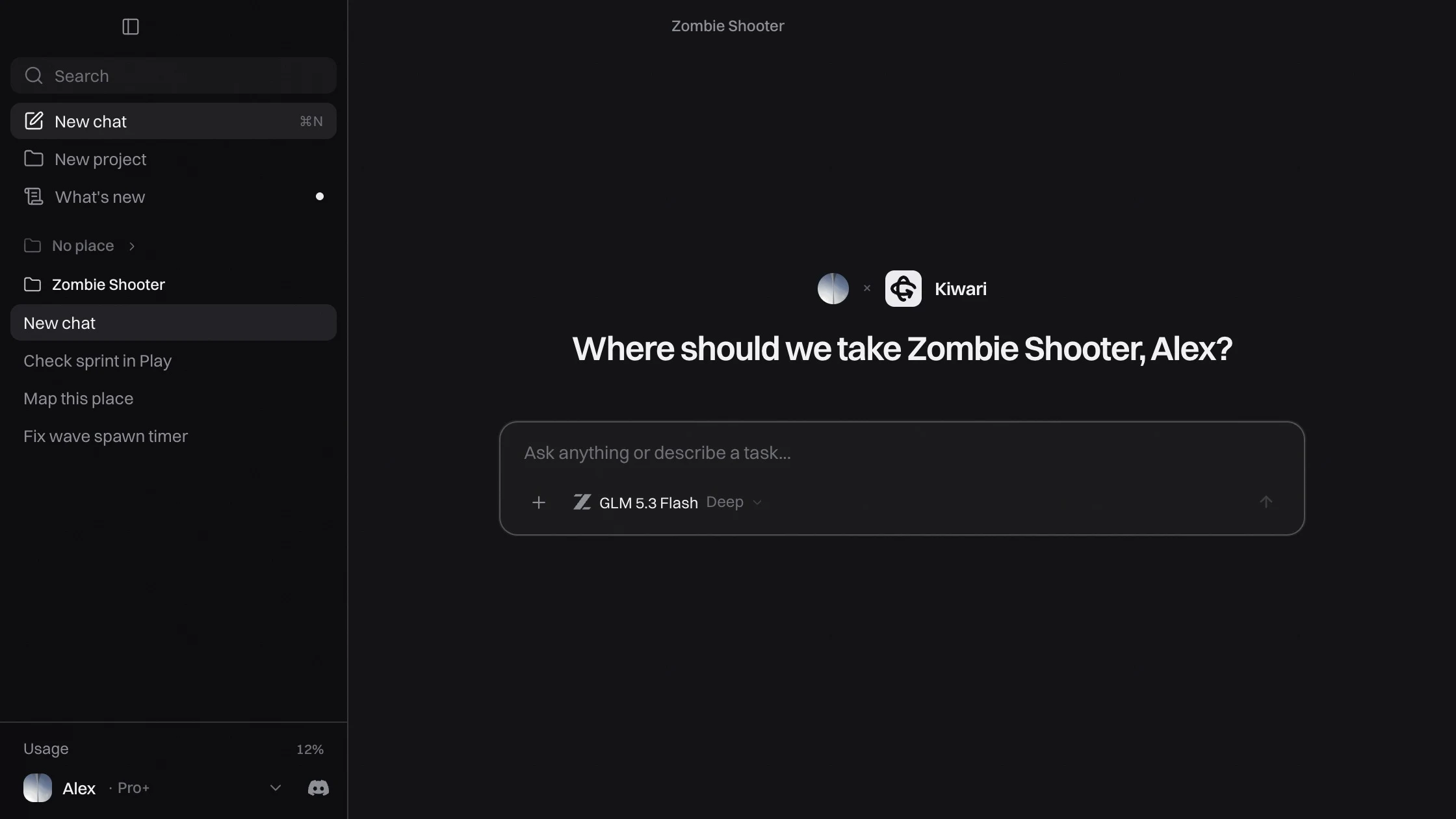
Most AI helpers for Roblox bring a general-purpose coding agent to your game. But Roblox development requires more: an agent designed around Studio, and the way your projects actually work.
Kiwari is a desktop app shaped around Studio from the start, with its own agent harness. It’s designed to support your game beyond development, through launch, monetization, analytics, and ongoing updates.
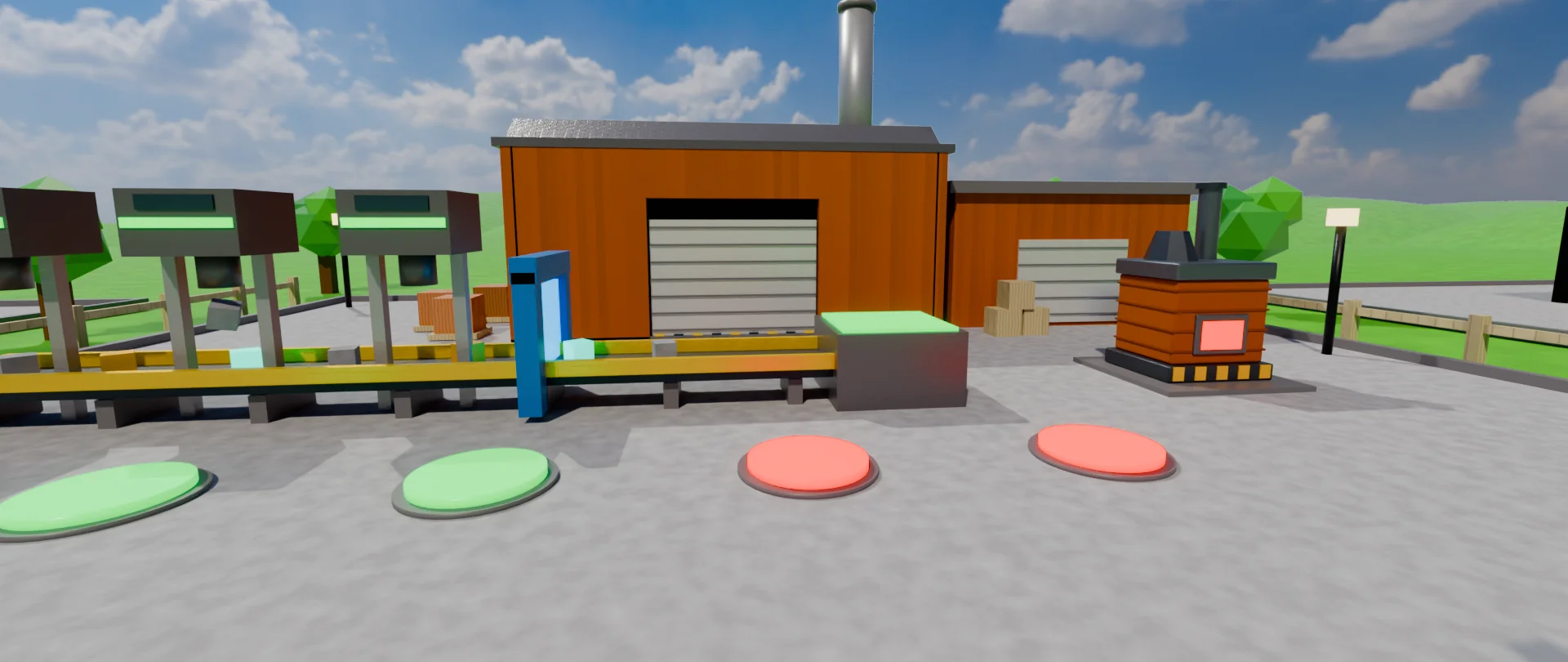
Kiwari starts Play mode with test players, checks what happens, and fixes what it finds, before testing its changes.
For bigger features, Kiwari asks a few quick questions, then writes a plan you approve.
See every edit as it lands. Keep it, or undo the whole turn in one click.
Ask for the numbers and Kiwari pulls them into chat as cards you can scan.
Search in chat, compare real thumbnails, and choose whether bundled scripts come along.
Stats, color palettes, and small tables show up in chat as cards you can scan at a glance.
Ask what's popular on Roblox or open a game's public details when you want inspiration for your place.
Projects keep each game's chats and memory separate when you switch between places.
Pick a Toolbox asset from search right in chat, and choose whether bundled scripts come with it.
$0
Free daily usage
Start for free$19.08instead of $19.99/ month
Billed $229 yearly
Start for free$66.58instead of $69.99/ month
Billed $799 yearly
Start for freeAnything else? Ask us on Discord
A desktop app with an AI agent built for Roblox Studio and game development: its own harness designed around Studio, not a general agent connected over MCP. It is not a plugin. Open a place in Studio and Kiwari reads and edits it: scripts, UI, assets and playtests.
Yes. The free lite tier comes with daily usage on a very basic text-only model for simple tasks. It can't check its work with screenshots. The limit refills daily. Subscribe to get Kiwari's full potential, strong models, screenshots, new features and more usage to tackle real tasks.
Kiwari checks its changes, you approve every change unless you turn on Run everything, and edits can be undone.
No. You describe what you want and Kiwari writes code, designs interfaces and builds, while you direct it.
Yes, Kiwari searches up to date documentation to provide the best quality code to you.
You can upgrade your plan, enable credit overages, or wait for your limit reset.
Not yet, we'll notify you if you sign up to the waitlist in the download page.
Yes. Your Kiwari & Discord profile gets cool decorations the longer you're subscribed!
Yes. Cancel from your account in the app. You'll keep your plan until the end of the period you paid for.
Open your place in Studio and enable the built-in MCP server in Studio settings. With Studio and Kiwari running on your Mac, the app connects to that Studio window automatically.


